Start with the actual school run
Before adding technology, map the current journey. List your routes, stops, buses, assistants and the people who need updates. This makes it easier to configure the platform around the way your school operates.
Prepare compatible phones
SmartTrack’s mobile approach uses compatible smartphones, GPS and an internet connection, without requiring a dedicated tracking device for the mobile setup. Check phone compatibility, location permissions, battery arrangements and network coverage with your implementation team before the first trip.
Connect students to the right route
Accurate setup is important. Import student details, assign routes and confirm who is responsible for attendance. If NFC cards are part of the rollout, check support on the intended devices. Assistants can also use manual attendance marking.
Train people, then run a pilot
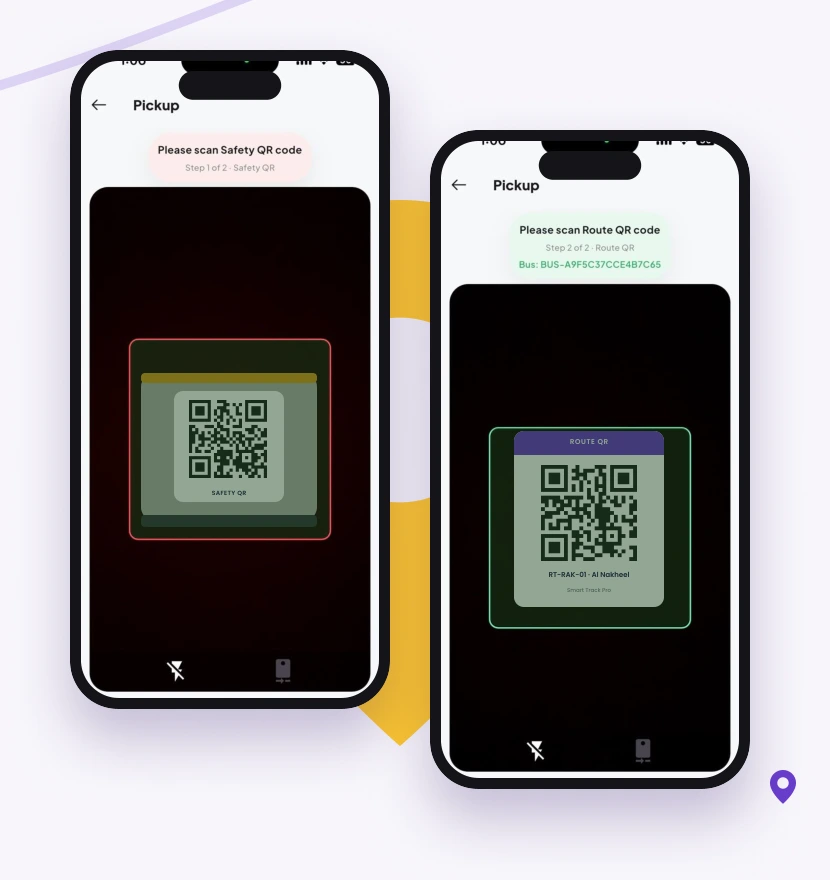
Walk through starting a trip, recording attendance, responding to a route change and completing safety checks. Use a small, supervised pilot to identify missing information or unclear responsibilities before expanding to the full fleet.
Help parents get ready
Introduce the parent app, explain which notifications the school will use and show families how to configure alert points. Give them a clear contact for questions. A good rollout connects people as carefully as it connects software.